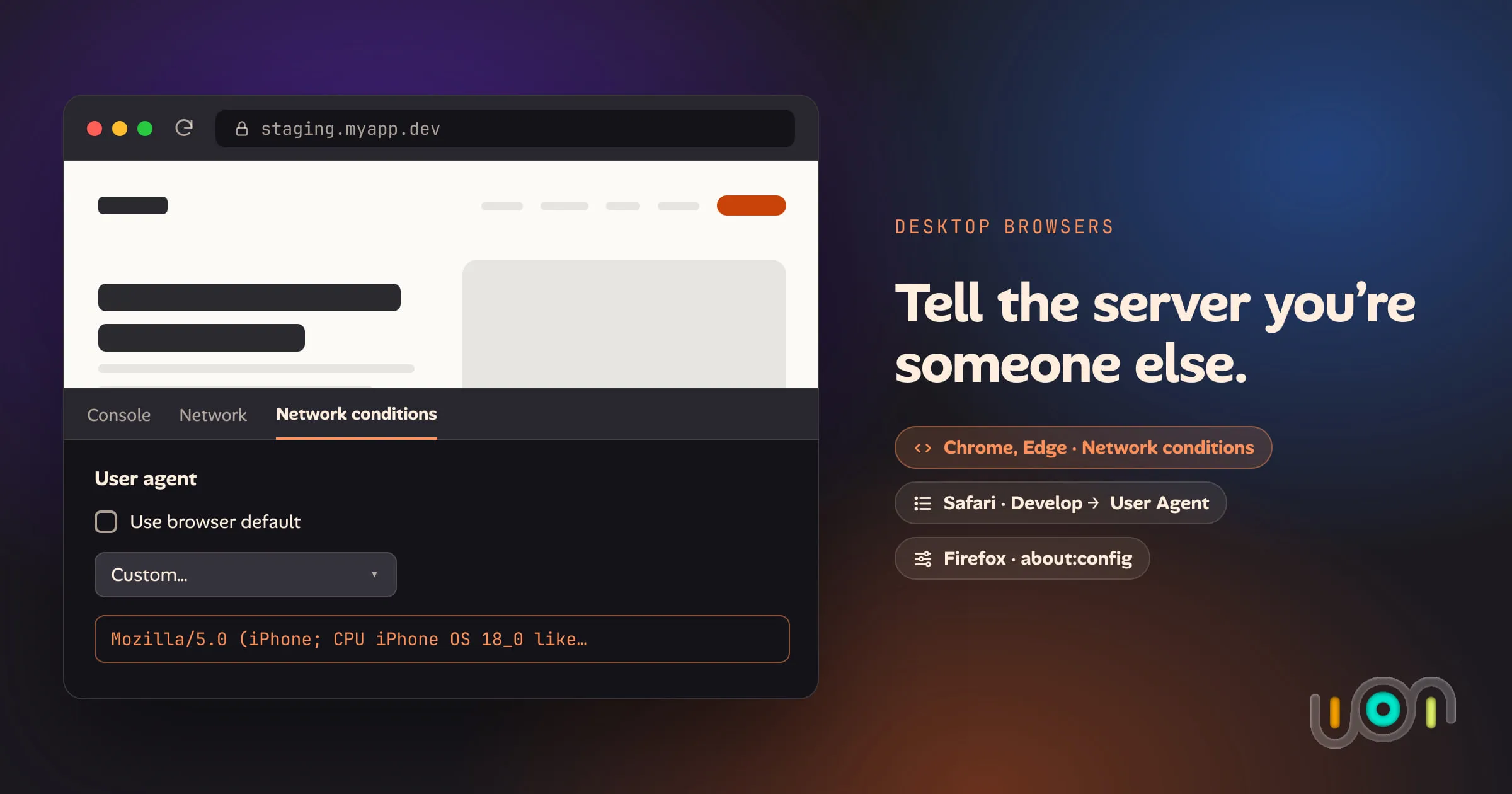
How to change your user agent in Chrome, Safari and Firefox
Step-by-step ways to set a custom user agent in Chrome, Edge, Safari and Firefox on desktop, how long each override lasts, and what it doesn't change.
Topic
5 posts tagged “web-development” on the ion blog: write-ups and how-tos from building ion, newest first. All posts
Step-by-step ways to set a custom user agent in Chrome, Edge, Safari and Firefox on desktop, how long each override lasts, and what it doesn't change.
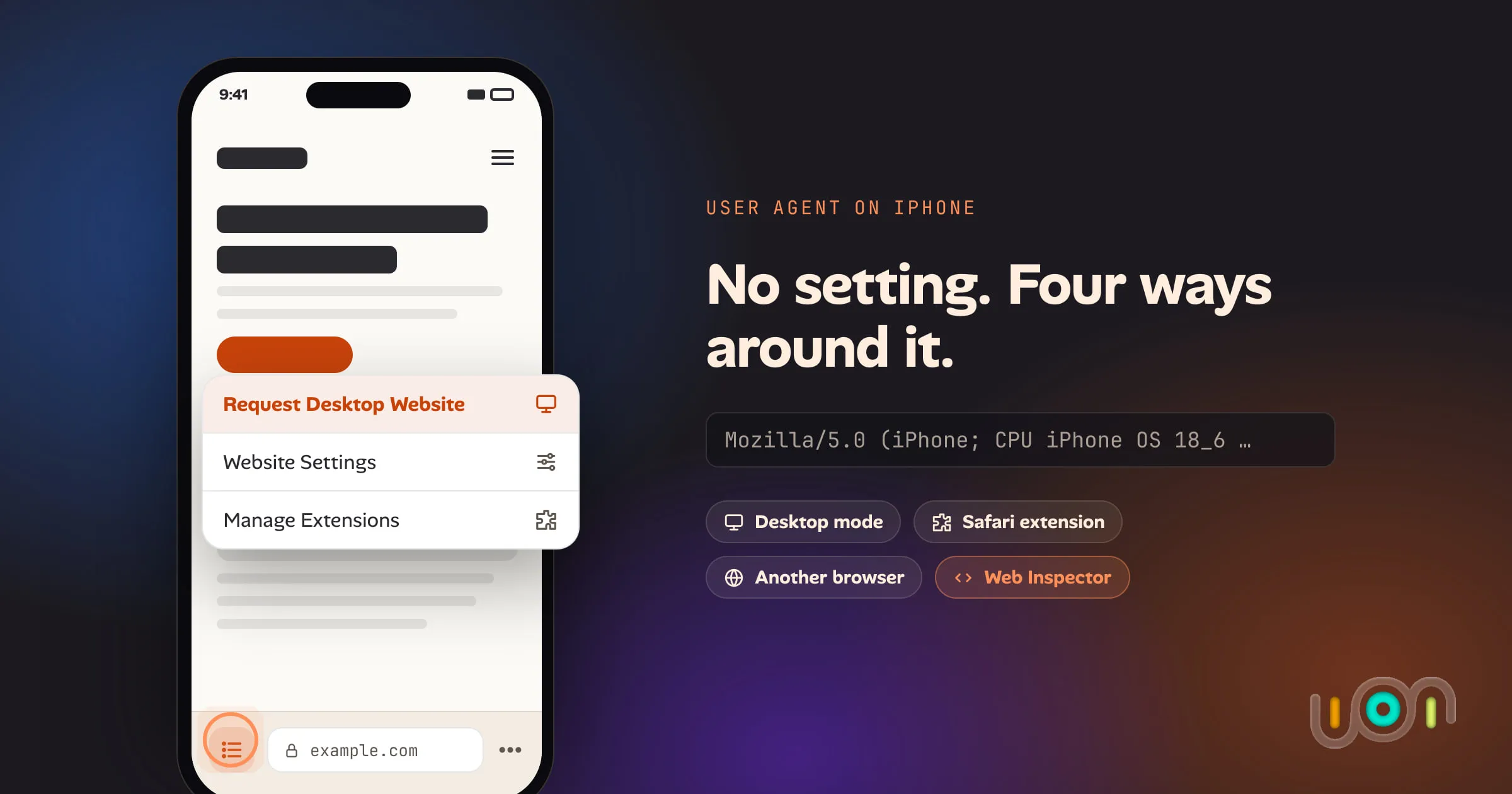
Safari, Chrome and Firefox on iPhone have no user agent setting. Here are the four ways that do work: desktop mode, a Safari extension, a different browser, and Web Inspector from a Mac.
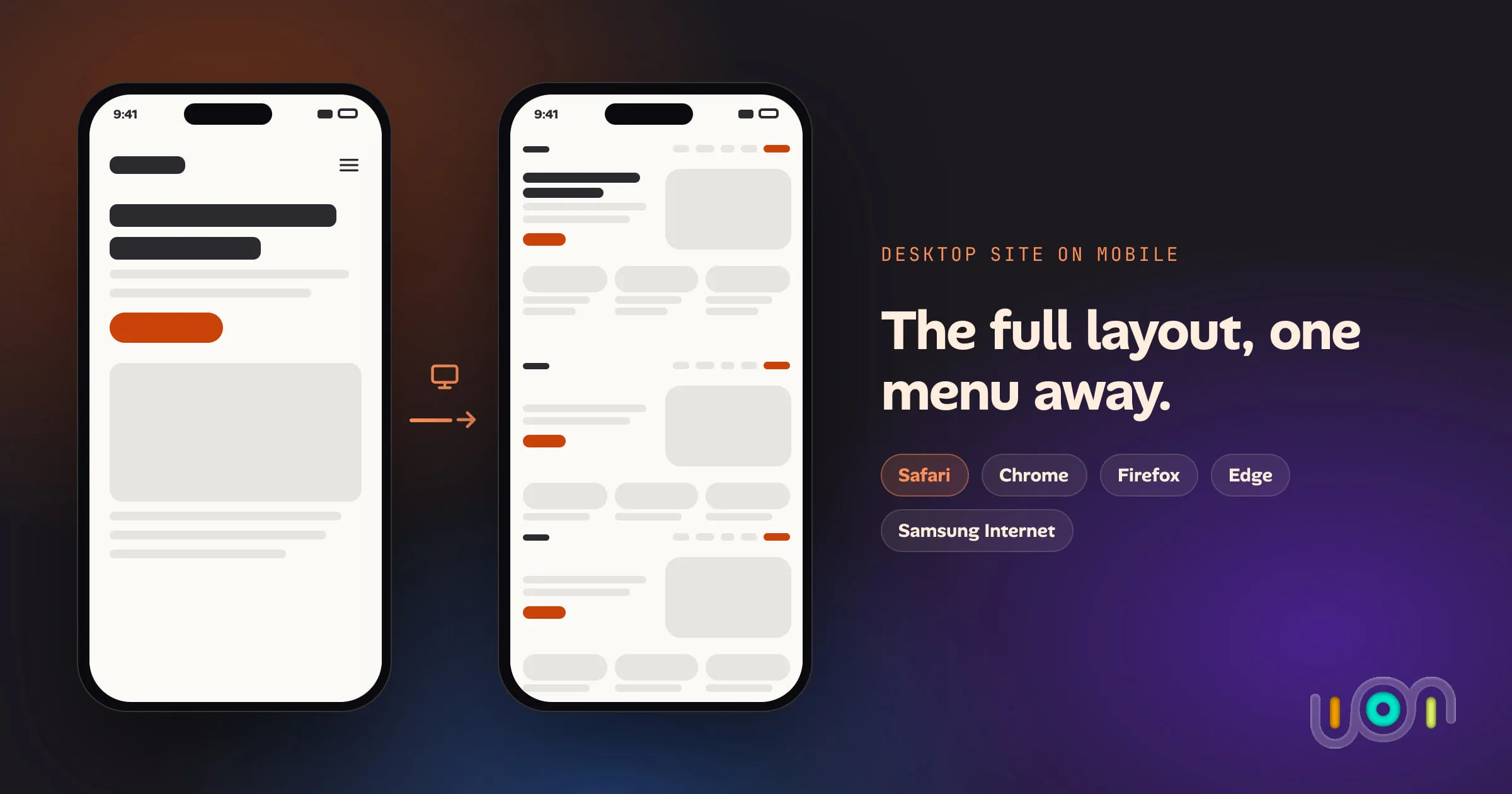
Every major mobile browser can request a site's desktop version. Here is where the option lives in Safari, Chrome, Firefox, Edge and Samsung Internet, how to make it stick, and what it doesn't do.
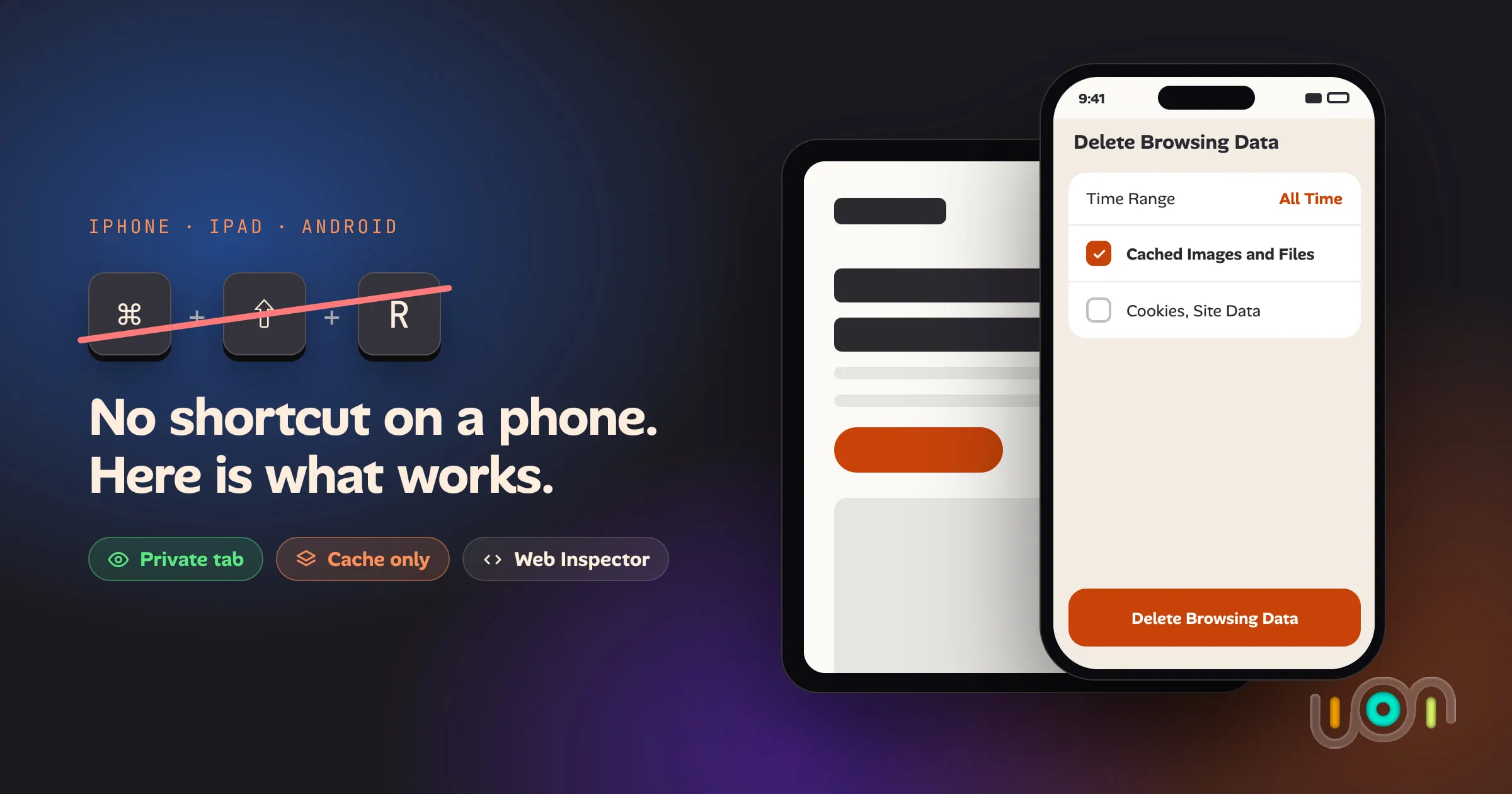
Mobile browsers have no hard refresh. Here is the least destructive way to get a fresh copy of a page in Safari, Chrome, Firefox, Edge and Samsung Internet on iPhone, iPad and Android, and what each option costs you.
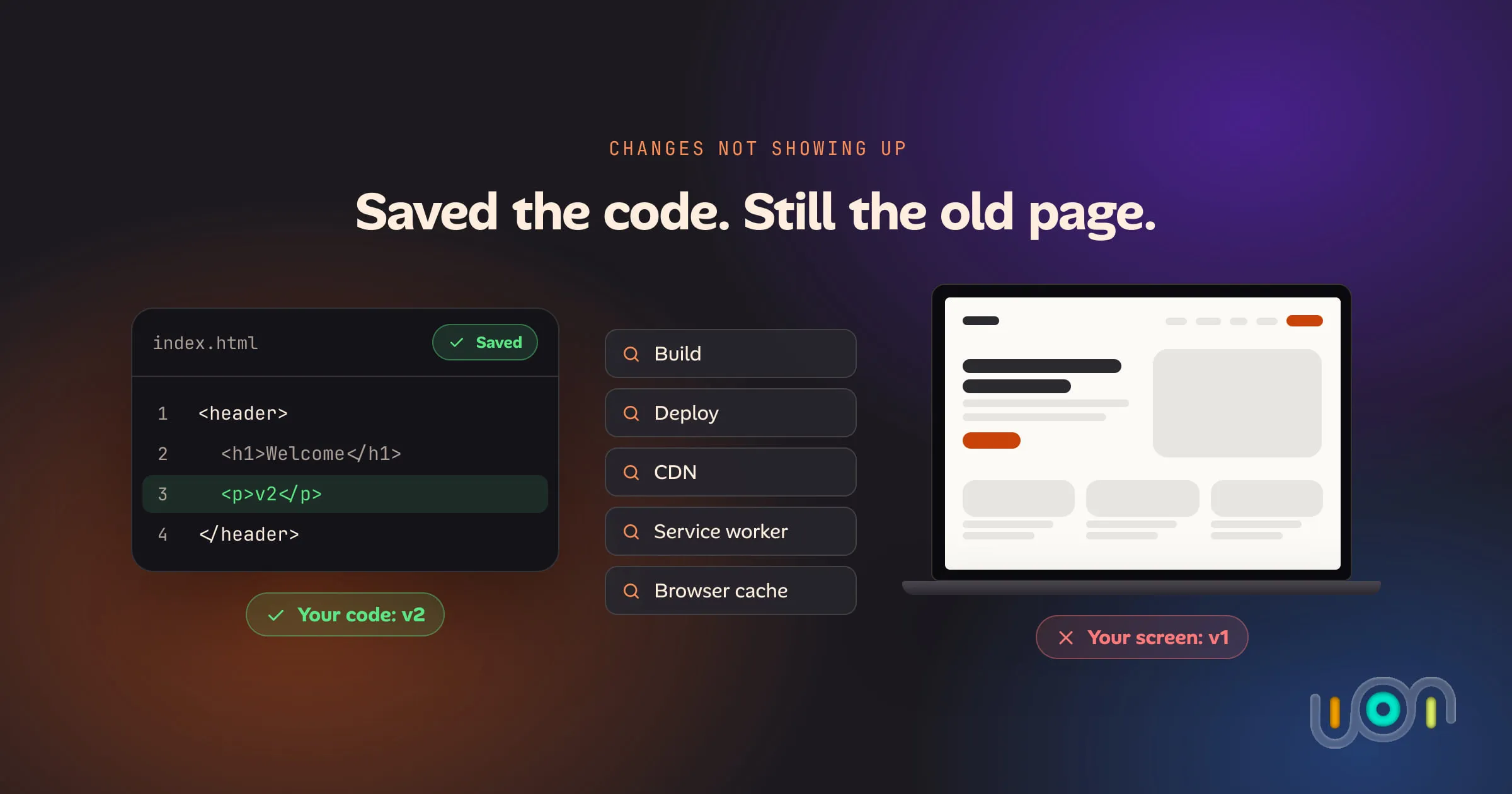
You saved, built and deployed, and the page still looks the same. Test each layer in order, from your editor to your browser's cache, to find the stale copy, starting with a hard refresh.
Invite-only, released in small waves. Free during early access.