How to change your user agent in Chrome, Safari and Firefox
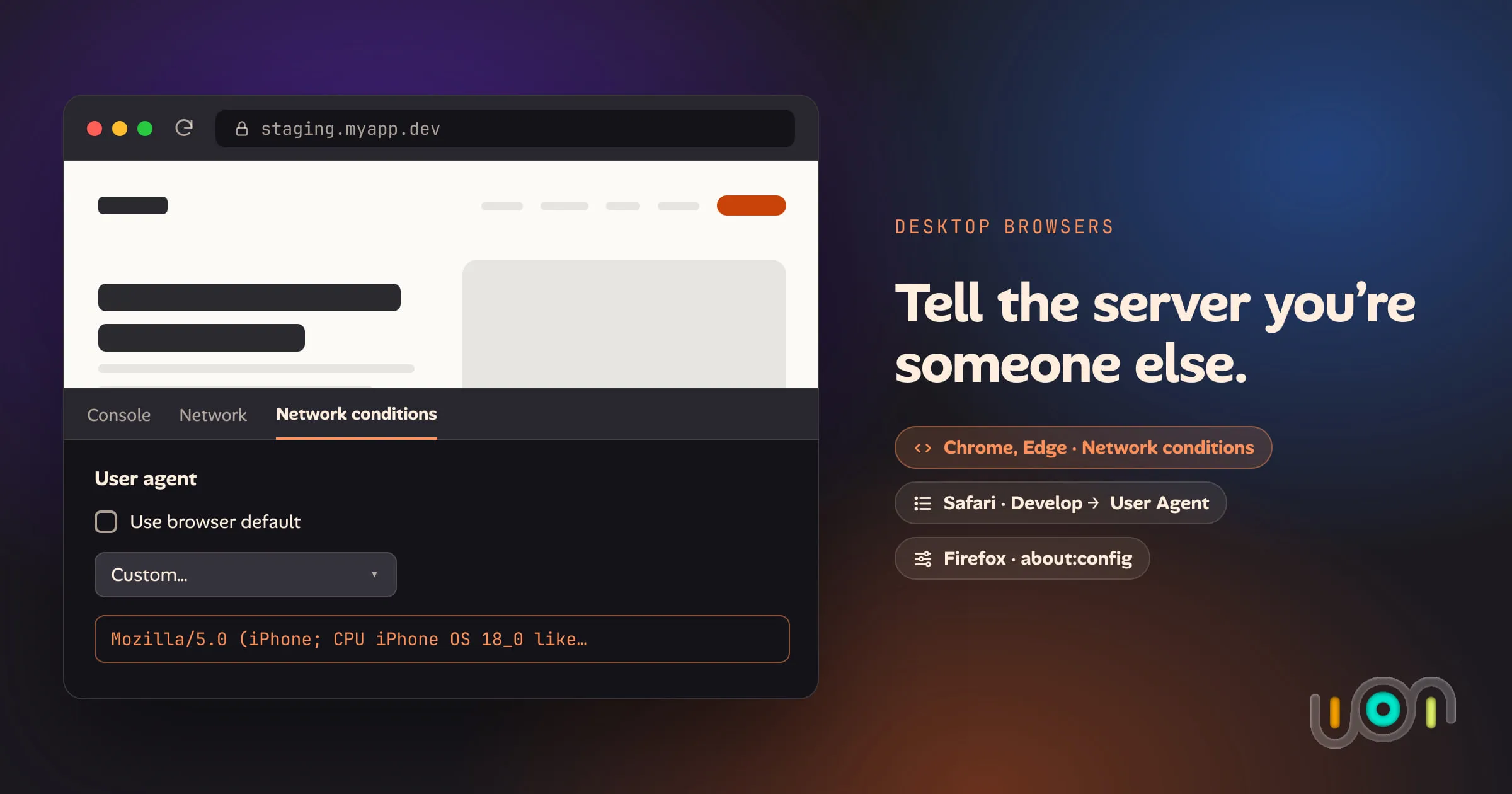
Step-by-step ways to set a custom user agent in Chrome, Edge, Safari and Firefox on desktop, how long each override lasts, and what it doesn't change.
Topic
10 posts tagged “browsers” on the ion blog: write-ups and how-tos from building ion, newest first. All posts
Step-by-step ways to set a custom user agent in Chrome, Edge, Safari and Firefox on desktop, how long each override lasts, and what it doesn't change.
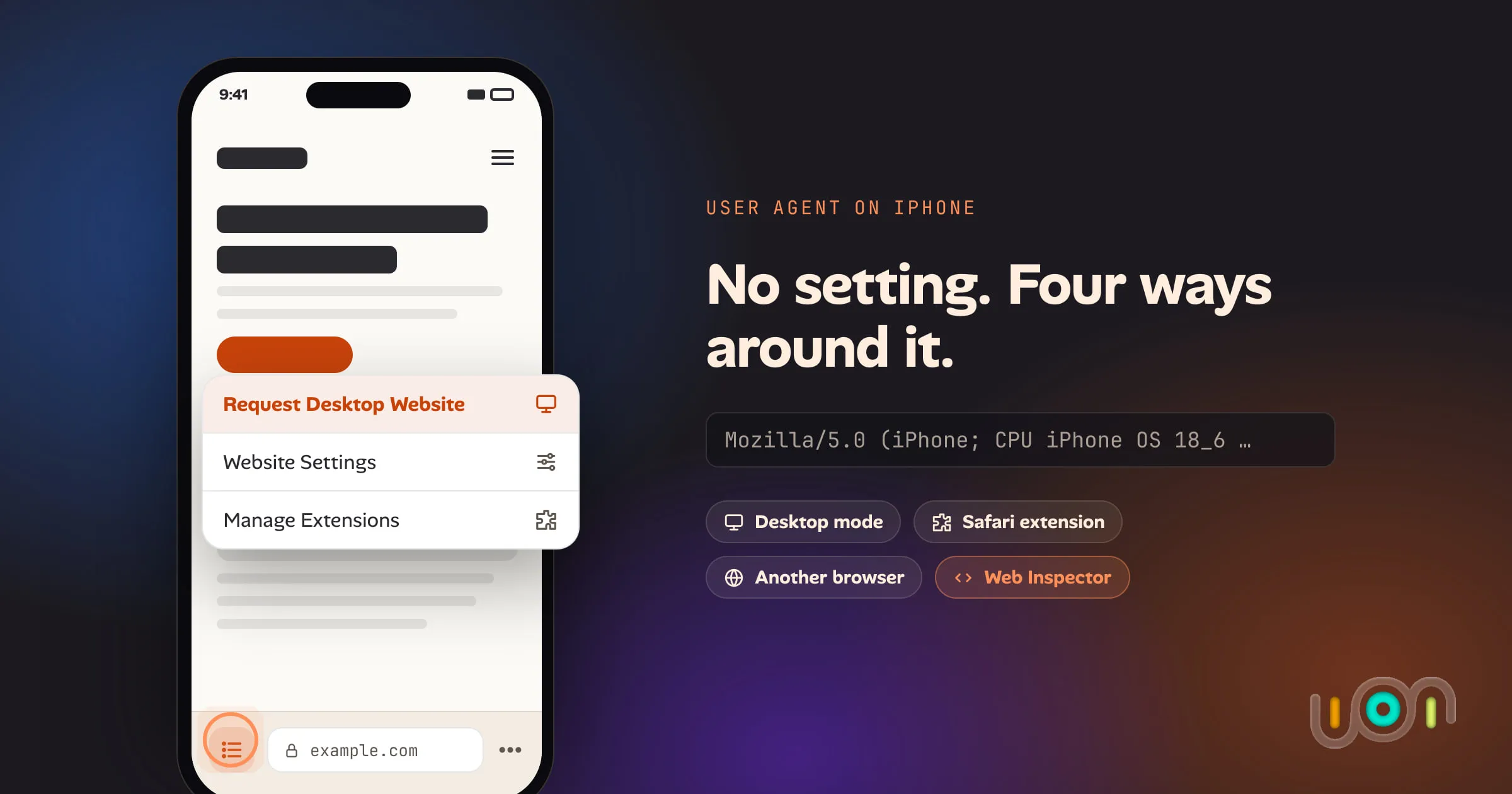
Safari, Chrome and Firefox on iPhone have no user agent setting. Here are the four ways that do work: desktop mode, a Safari extension, a different browser, and Web Inspector from a Mac.
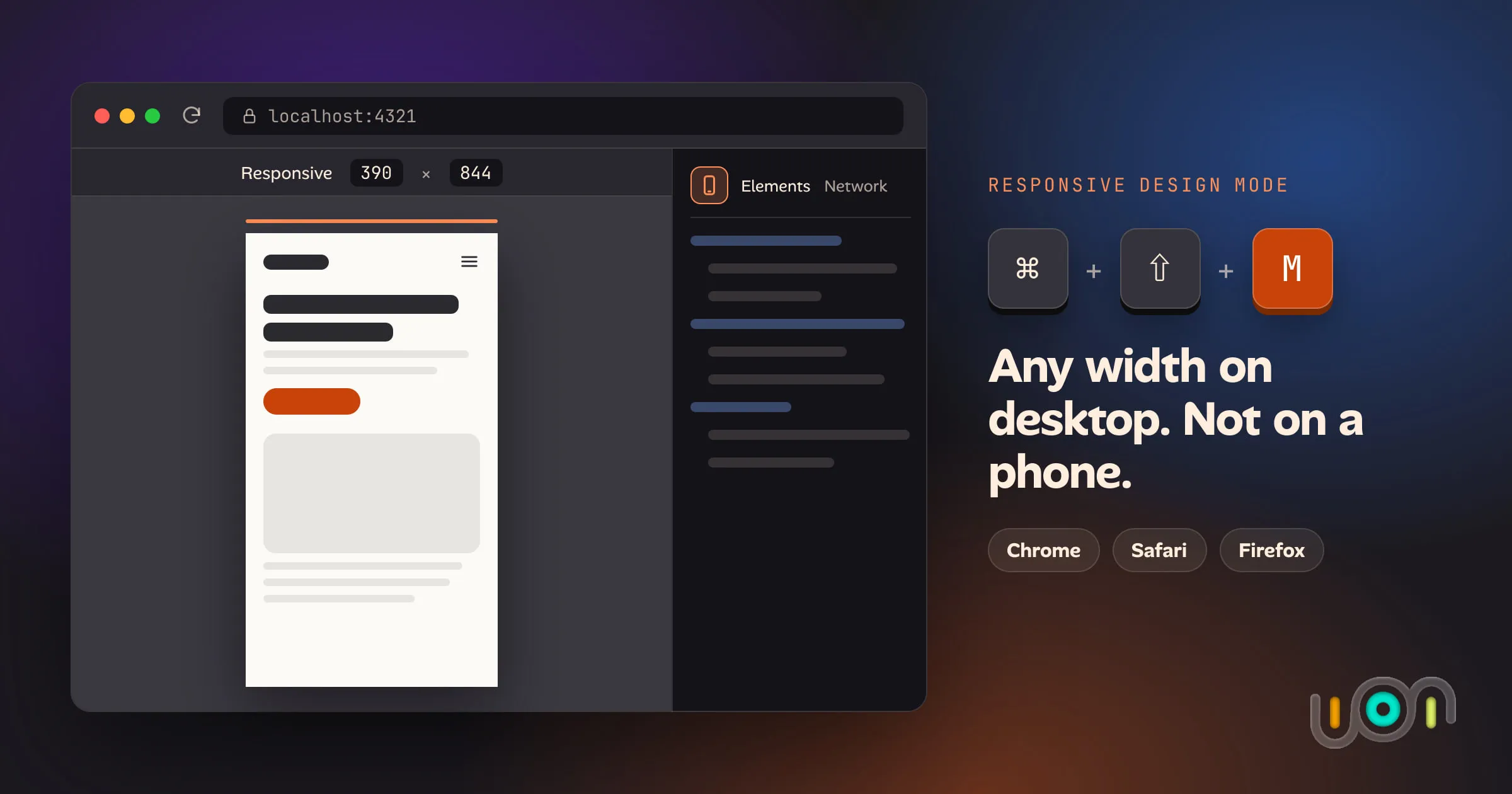
Chrome, Safari and Firefox each have a responsive design mode that lays out a page at any width. Here is how each one opens and what it offers, and what you can actually use when the only screen you have is a phone.
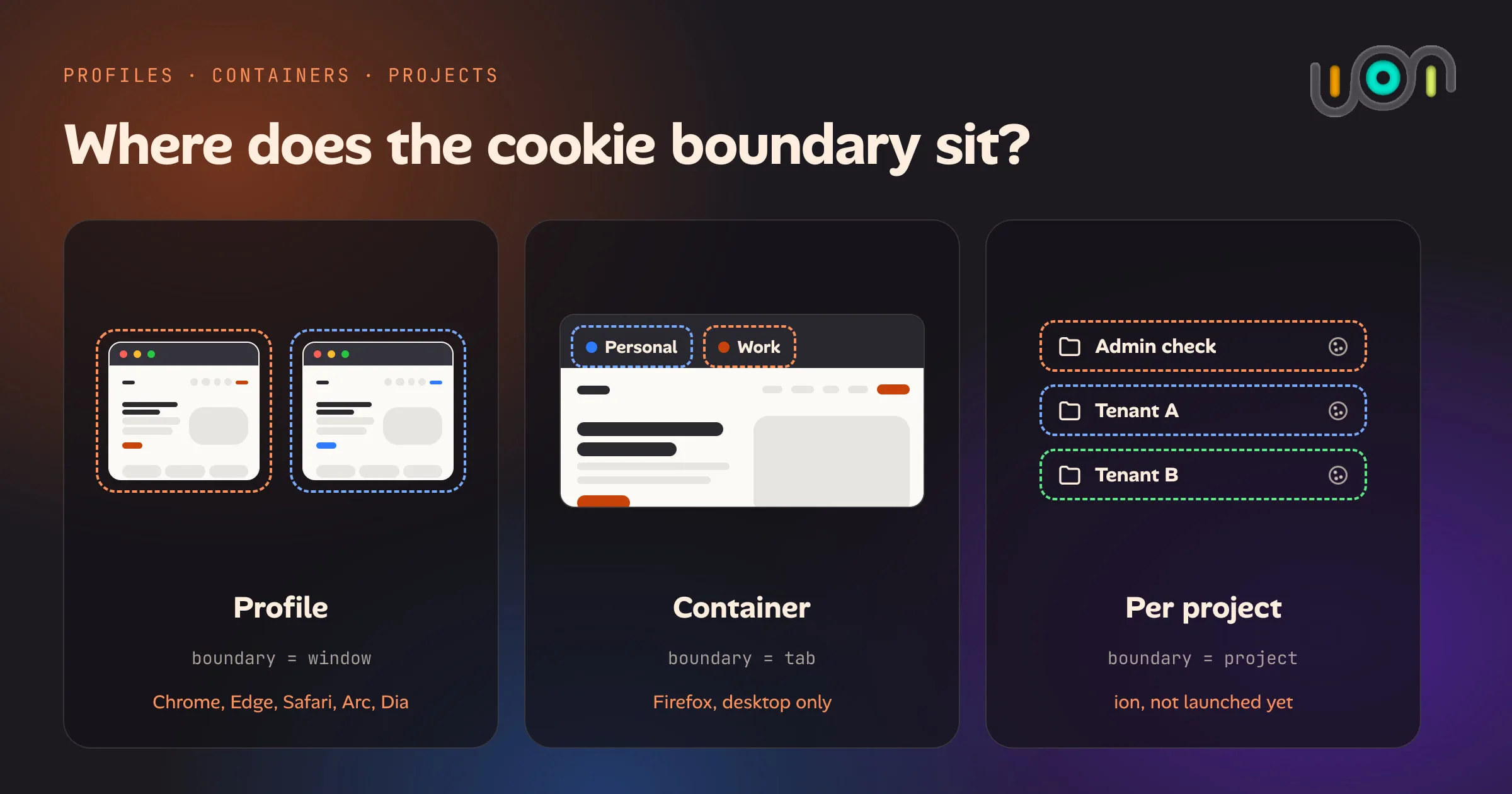
Chrome and Edge profiles, Firefox Multi-Account Containers, Safari Profiles and per-project storage compared: what each keeps separate, which platforms support it, and why none of them give you a disposable identity on a phone.
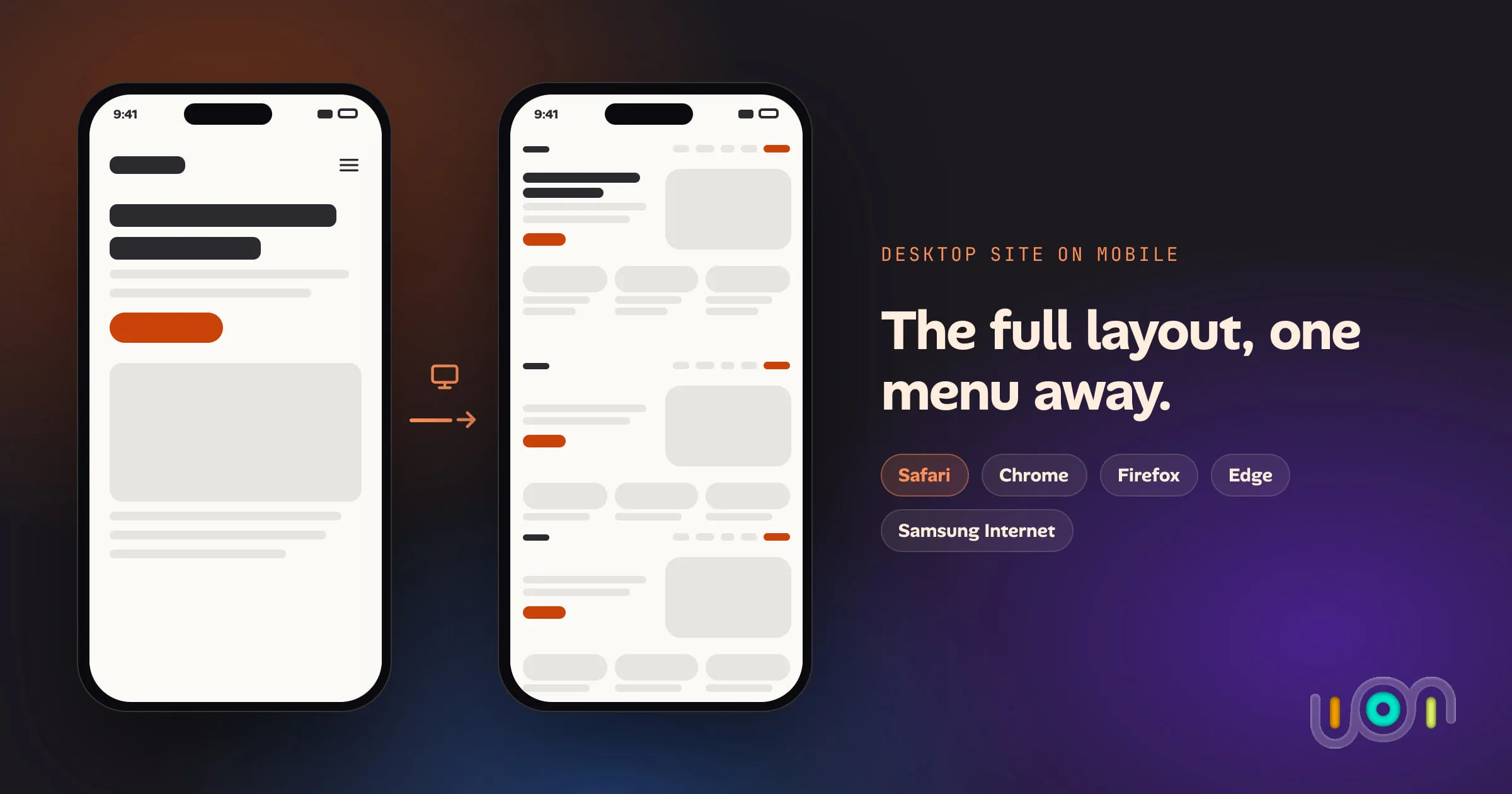
Every major mobile browser can request a site's desktop version. Here is where the option lives in Safari, Chrome, Firefox, Edge and Samsung Internet, how to make it stick, and what it doesn't do.
How to create a Safari profile on iPhone, switch between profiles, pick extensions per profile and switch automatically with Focus. Also covers what a profile keeps separate and where profiles fall short.
Testing an admin and a normal user, or two tenants, on the same site on an iPhone. What actually keeps the sessions apart, what only fakes it, and where each option breaks.
Mobile browsers have no hard refresh. Here is the least destructive way to get a fresh copy of a page in Safari, Chrome, Firefox, Edge and Samsung Internet on iPhone, iPad and Android, and what each option costs you.
You saved, built and deployed, and the page still looks the same. Test each layer in order, from your editor to your browser's cache, to find the stale copy, starting with a hard refresh.
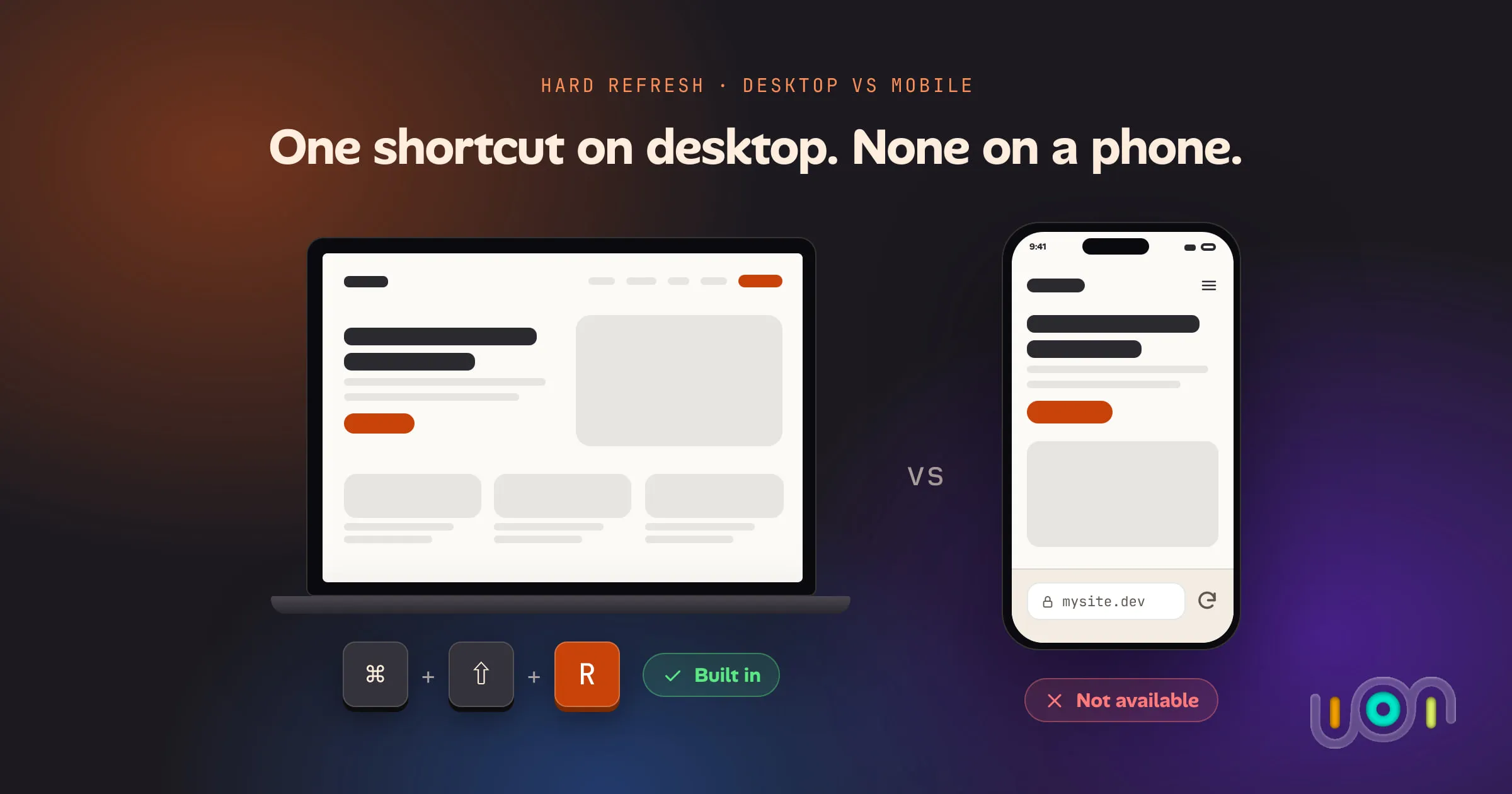
A hard refresh is a keyboard shortcut on every desktop browser and a missing feature on every mobile one. Here is exactly what each browser supports, on which platform, and what the mobile workarounds actually cost you.
Invite-only, released in small waves. Free during early access.