How-tos on hard refreshes, user agents, browser profiles and checking layouts from your phone, plus notes on running AI coding agents and on building ion. New here? See what ion does, or subscribe with RSS.
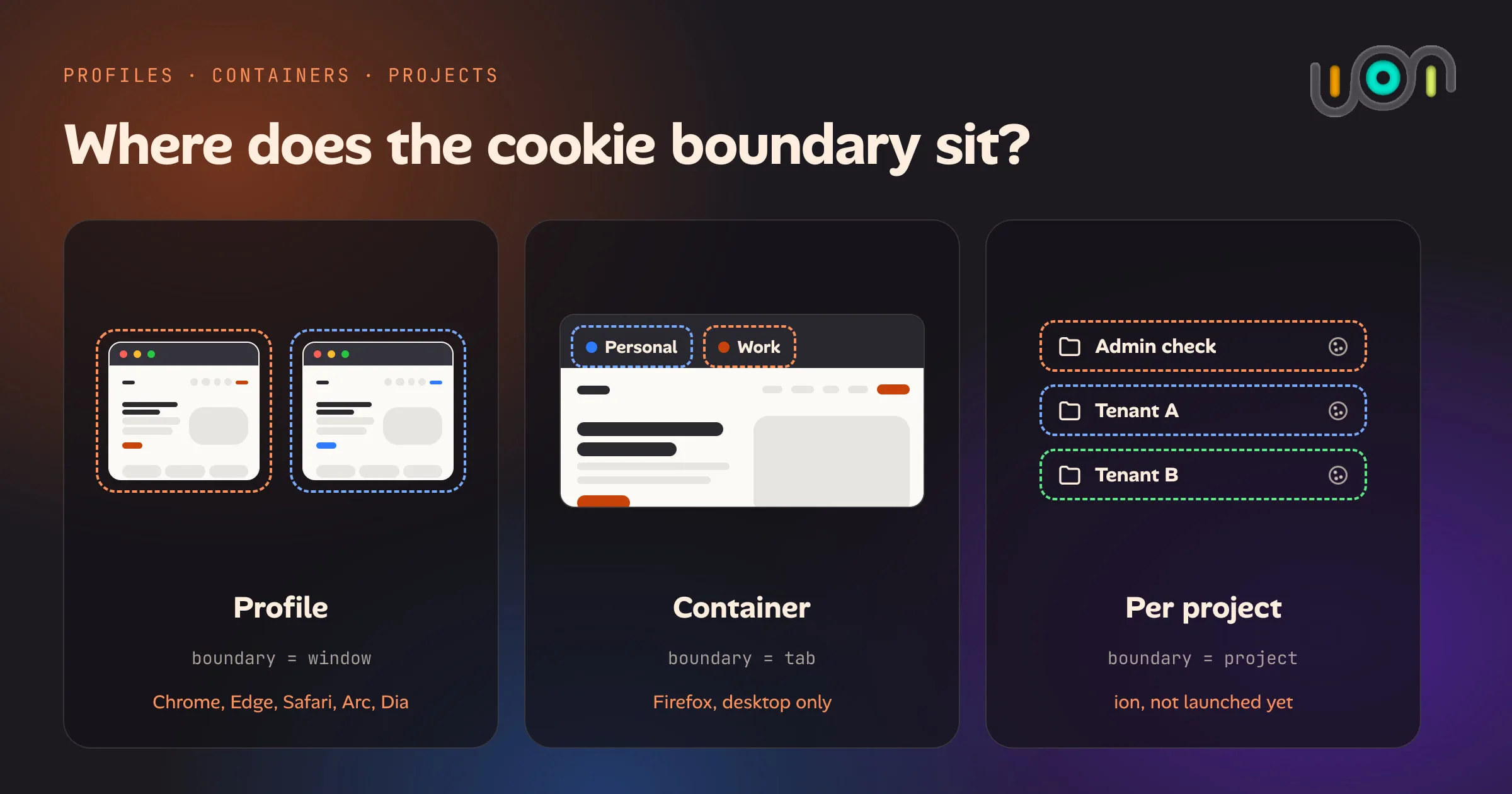
Chrome and Edge profiles, Firefox Multi-Account Containers, Safari Profiles and per-project storage compared: what each keeps separate, which platforms support it, and why none of them give you a disposable identity on a phone.
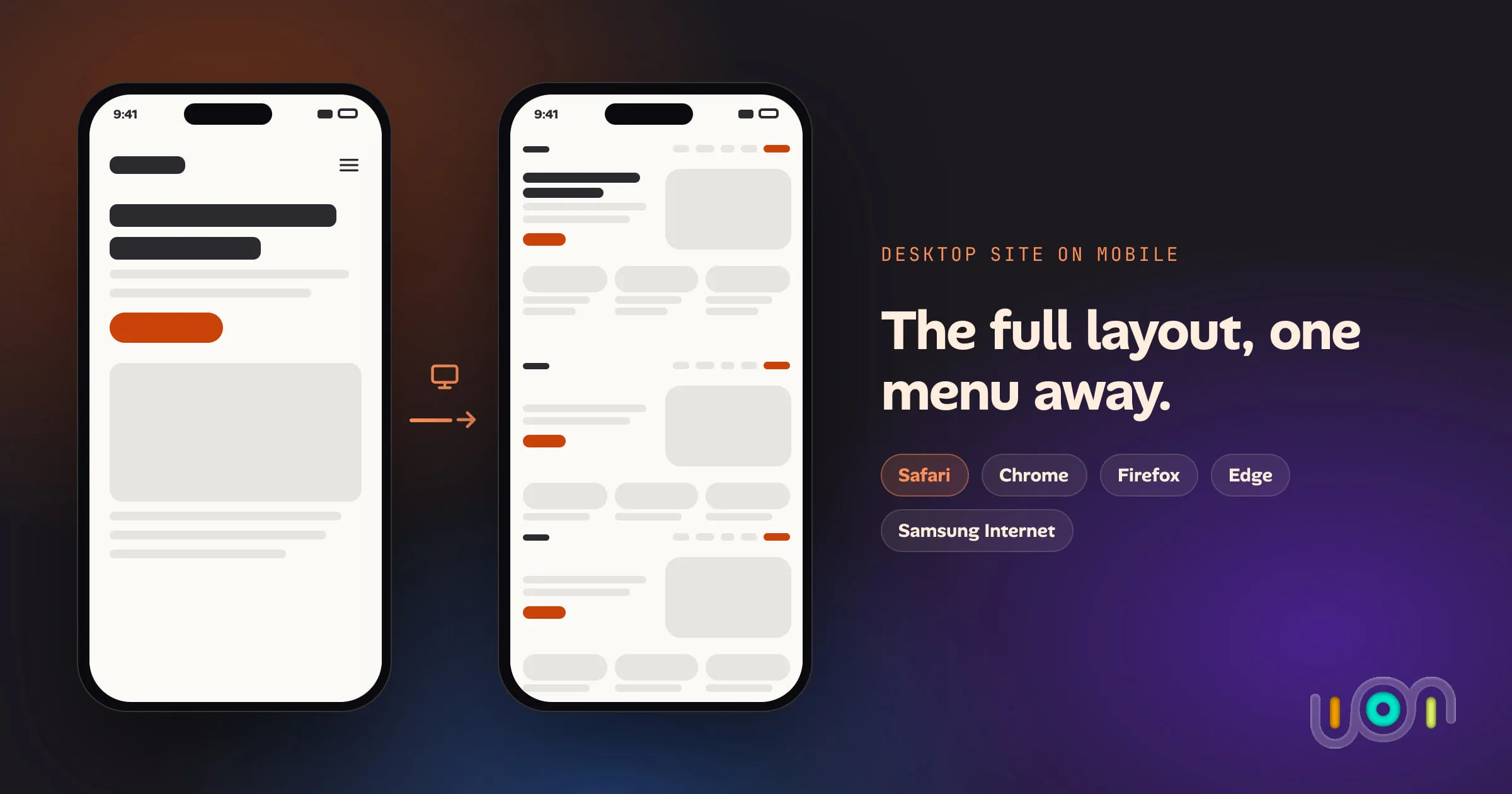
Every major mobile browser can request a site's desktop version. Here is where the option lives in Safari, Chrome, Firefox, Edge and Samsung Internet, how to make it stick, and what it doesn't do.
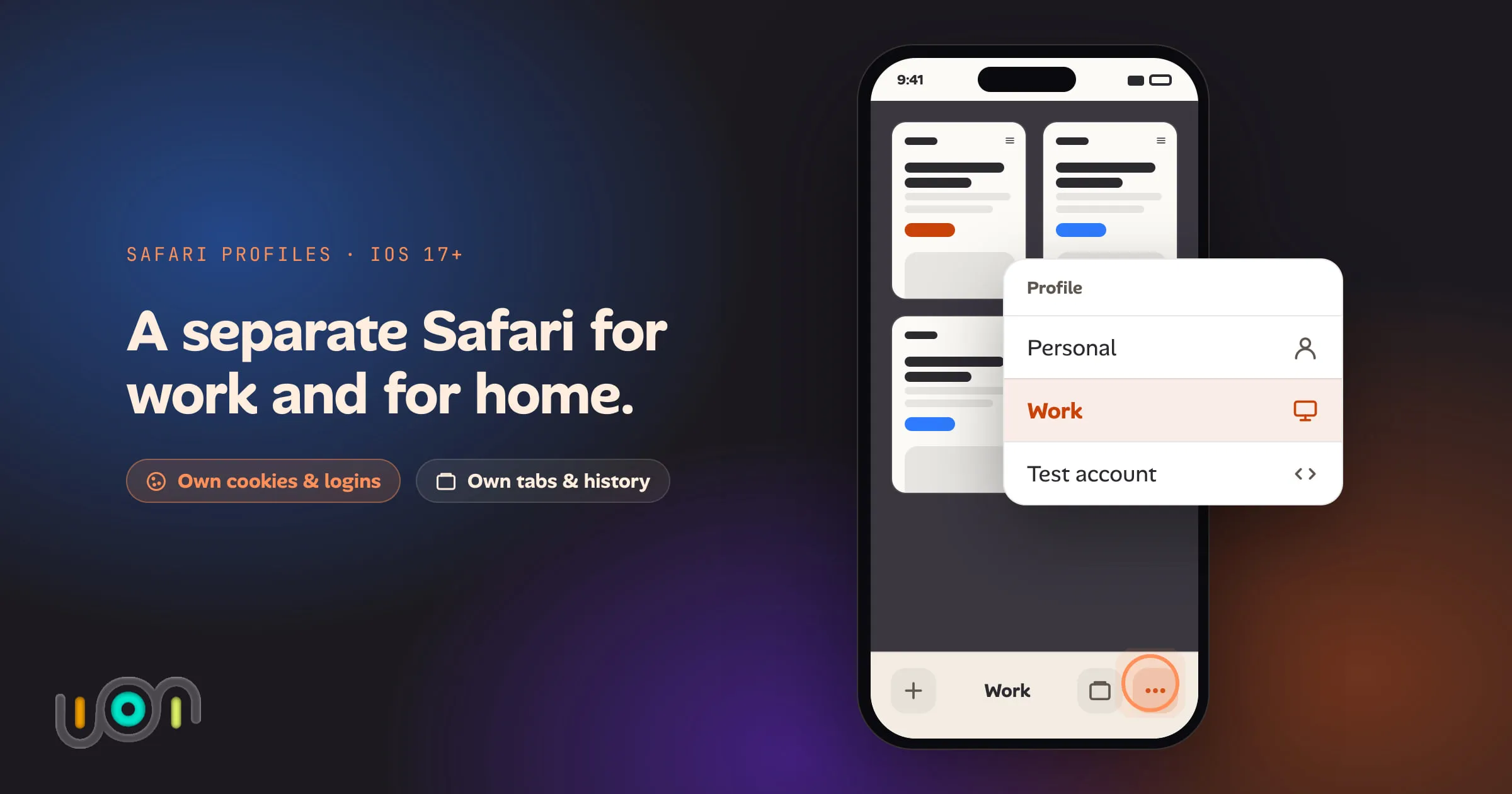
How to create a Safari profile on iPhone, switch between profiles, pick extensions per profile and switch automatically with Focus. Also covers what a profile keeps separate and where profiles fall short.
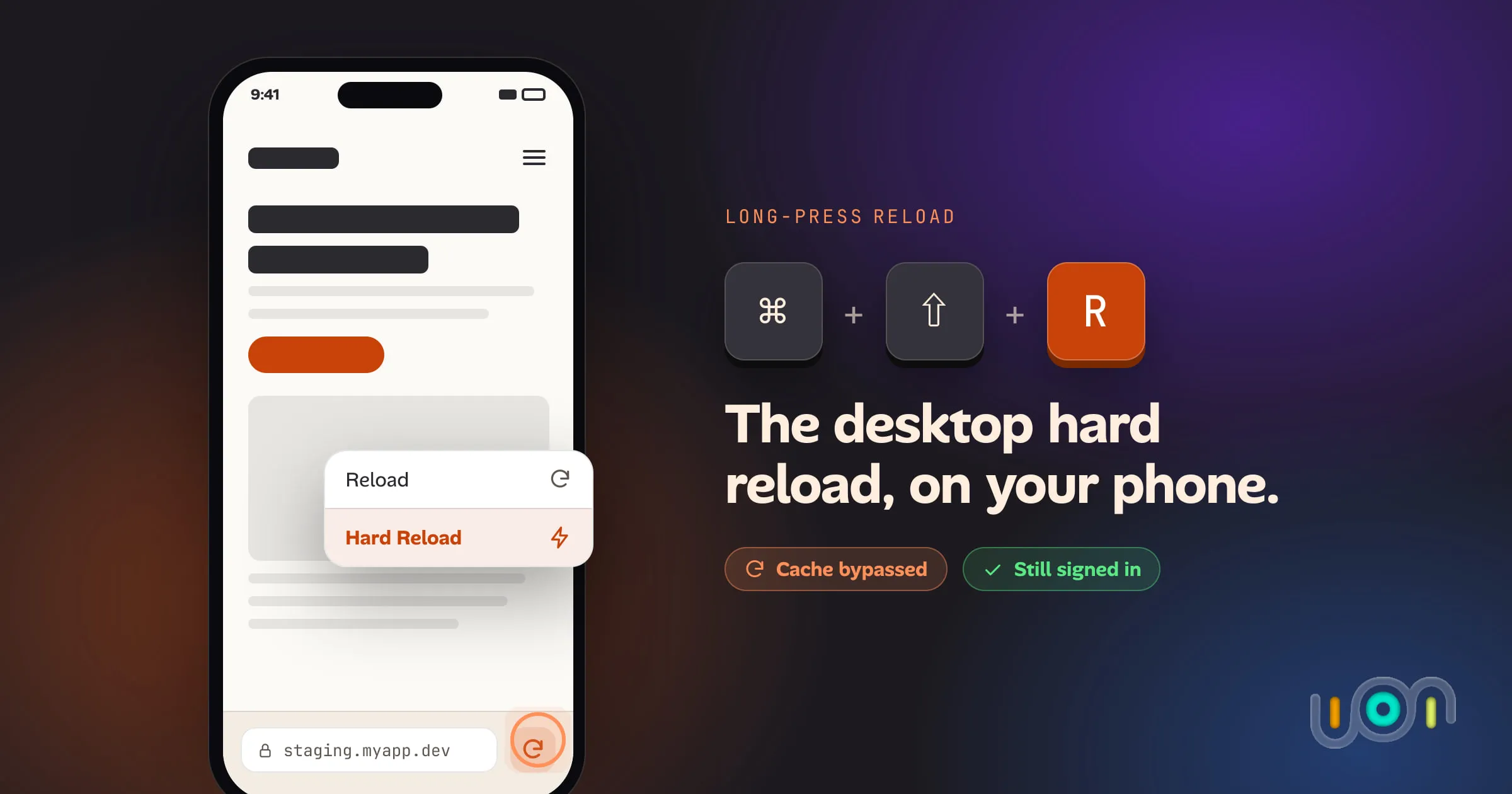
Safari and Chrome on iPhone have no hard reload, only a way to wipe all of a site's data and log you out. The ion app puts the ⌘⇧R gesture on the reload button itself, cache bypass without touching cookies or storage.
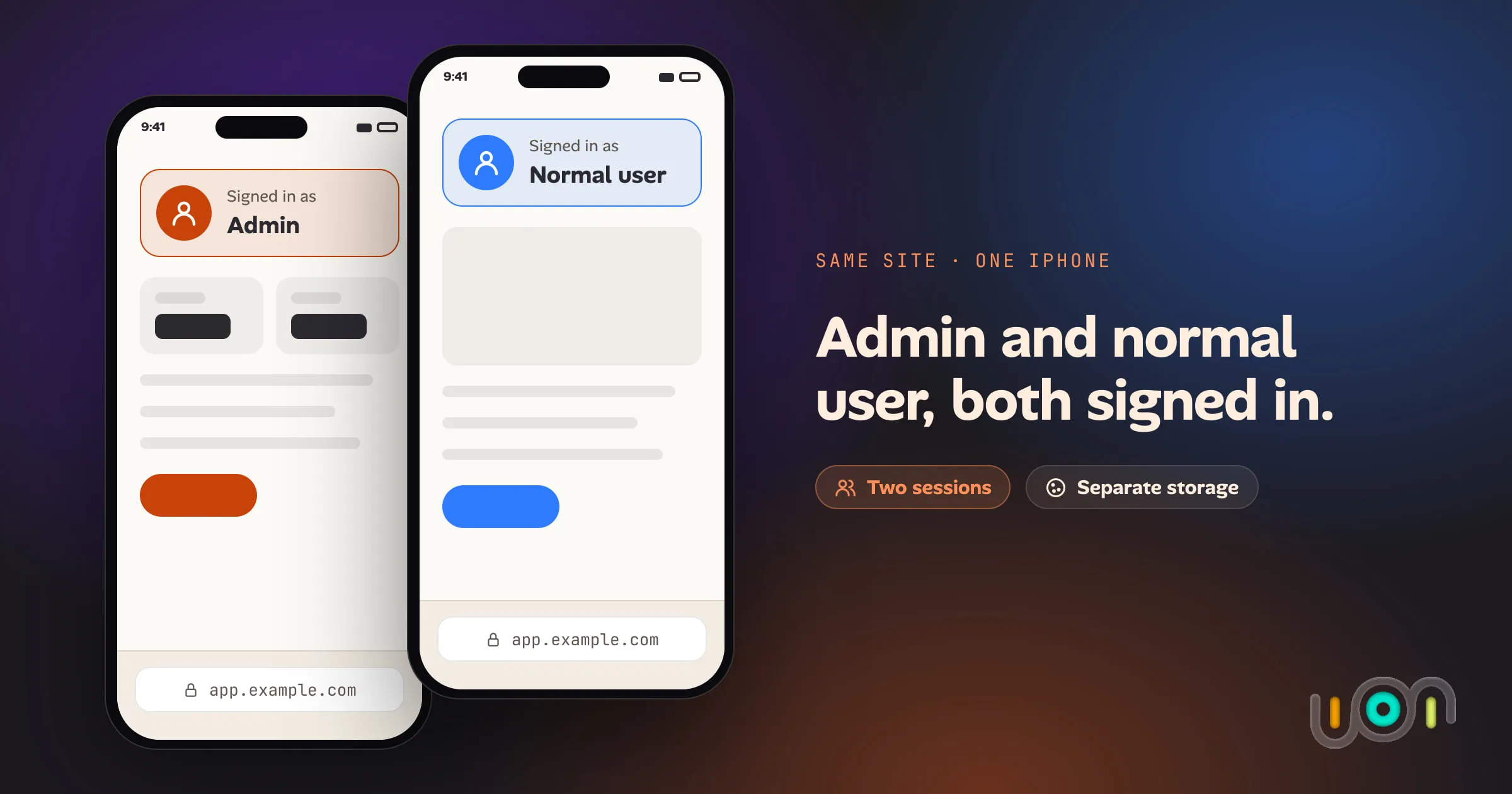
Testing an admin and a normal user, or two tenants, on the same site on an iPhone. What actually keeps the sessions apart, what only fakes it, and where each option breaks.
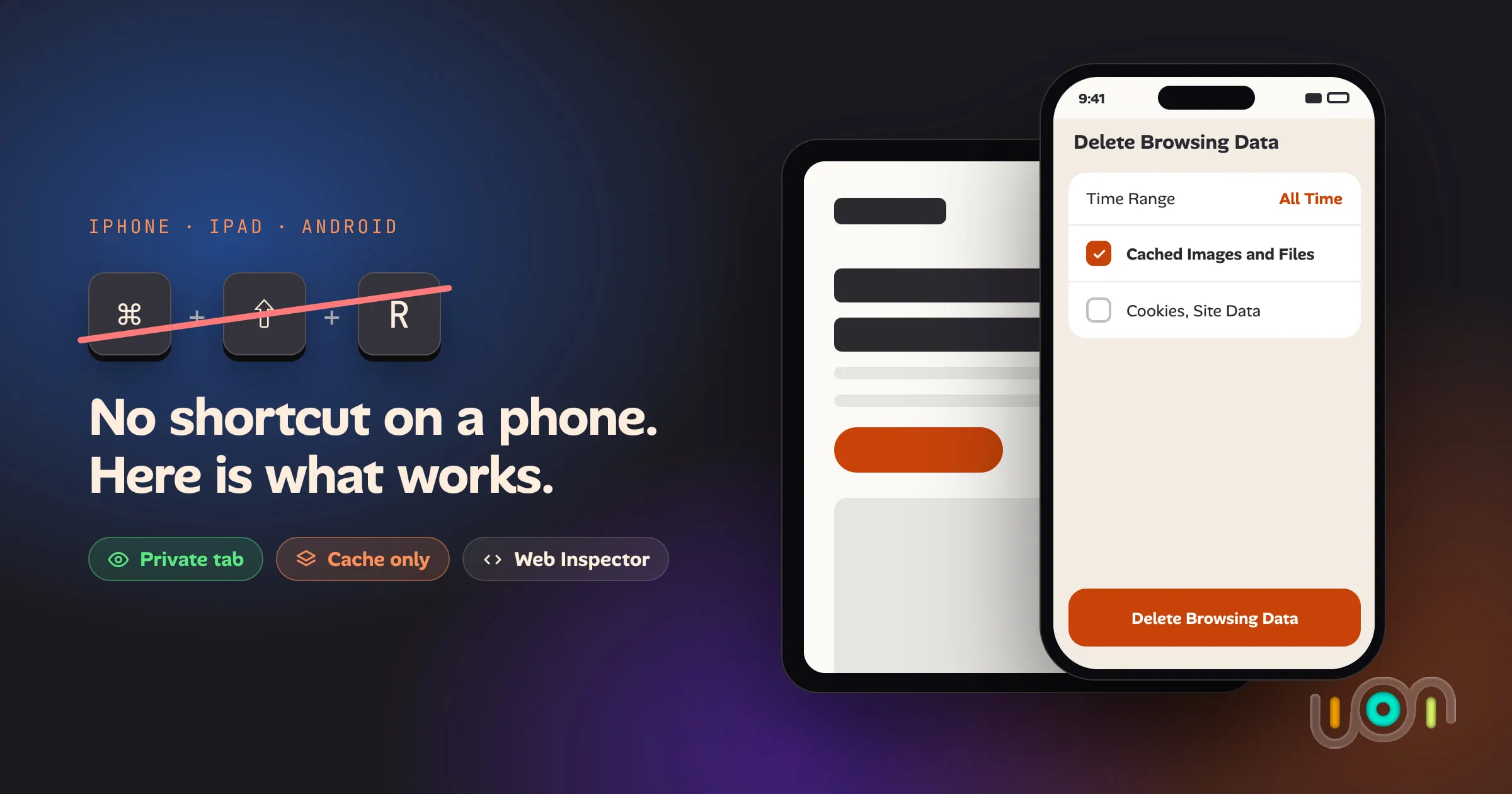
Mobile browsers have no hard refresh. Here is the least destructive way to get a fresh copy of a page in Safari, Chrome, Firefox, Edge and Samsung Internet on iPhone, iPad and Android, and what each option costs you.
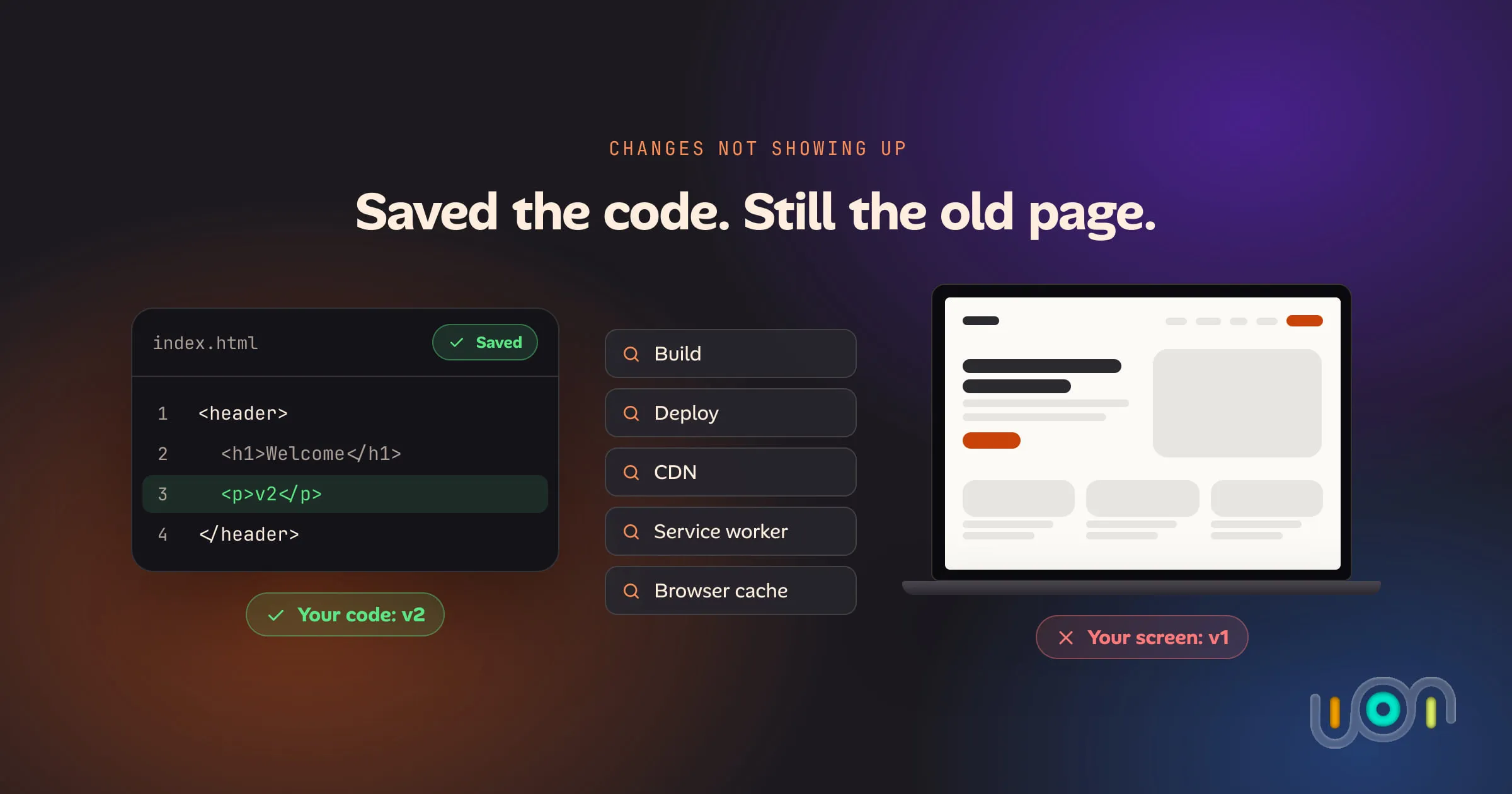
You saved, built and deployed, and the page still looks the same. Test each layer in order, from your editor to your browser's cache, to find the stale copy, starting with a hard refresh.
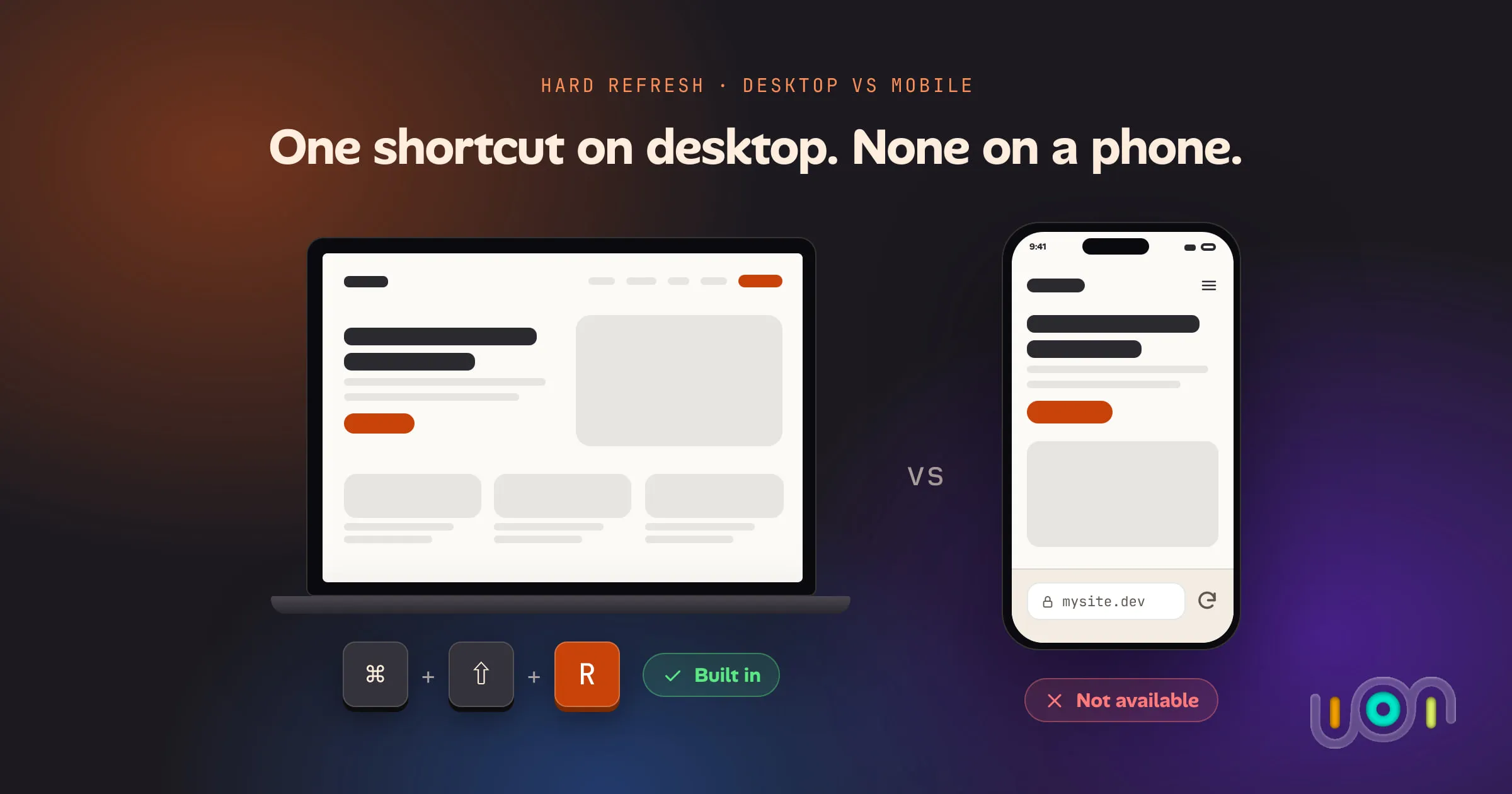
A hard refresh is a keyboard shortcut on every desktop browser and a missing feature on every mobile one. Here is exactly what each browser supports, on which platform, and what the mobile workarounds actually cost you.